Table of contents
Quick answer
After buying a car online, confirm the sale and payment, choose and verify your own shipping company, arrange a release with the seller, share pickup contacts and paperwork with the carrier, and inspect the car carefully at delivery.
Before you book shipping
- Confirm the sale, payment and title transfer terms in writing
- Get the car's exact pickup address and hours
- Ask who will release the car and how the driver should identify themselves
- Check whether the seller or dealer charges storage after a set date
Step by step
- Get quotesUse the seller's ZIP code and the car's exact details.
- Verify the companyCheck USDOT or MC authority and reviews before paying.
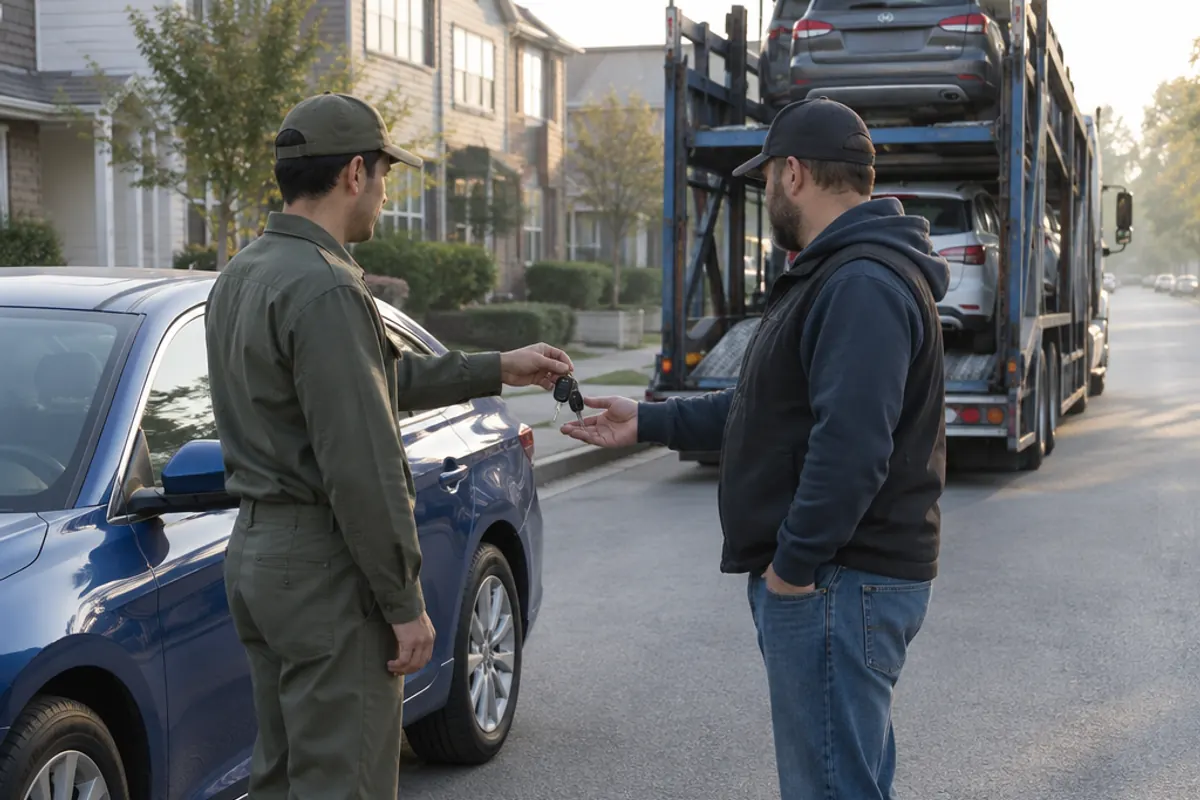
- Arrange the releaseGive the carrier the seller's contact, and the seller the carrier's name and pickup window.
- Send paperworkSome dealers need a release form or a copy of your ID for the driver.
- Pickup inspectionAsk the seller to inspect with the driver and send you photos.
- Delivery inspectionCheck the car against the listing and pickup photos before signing.
Paperwork to keep handy
- Bill of sale or buyer's order
- Seller's release or authorization for pickup
- Title or title transfer details
- Your booking confirmation and the bill of lading
Registration and sales tax rules depend on your state. Check with your state's motor vehicle agency before the car arrives.
Frequently asked questions
Should I let the dealer arrange shipping?
It's convenient, but compare the dealer's price with your own quotes and ask who the carrier is.
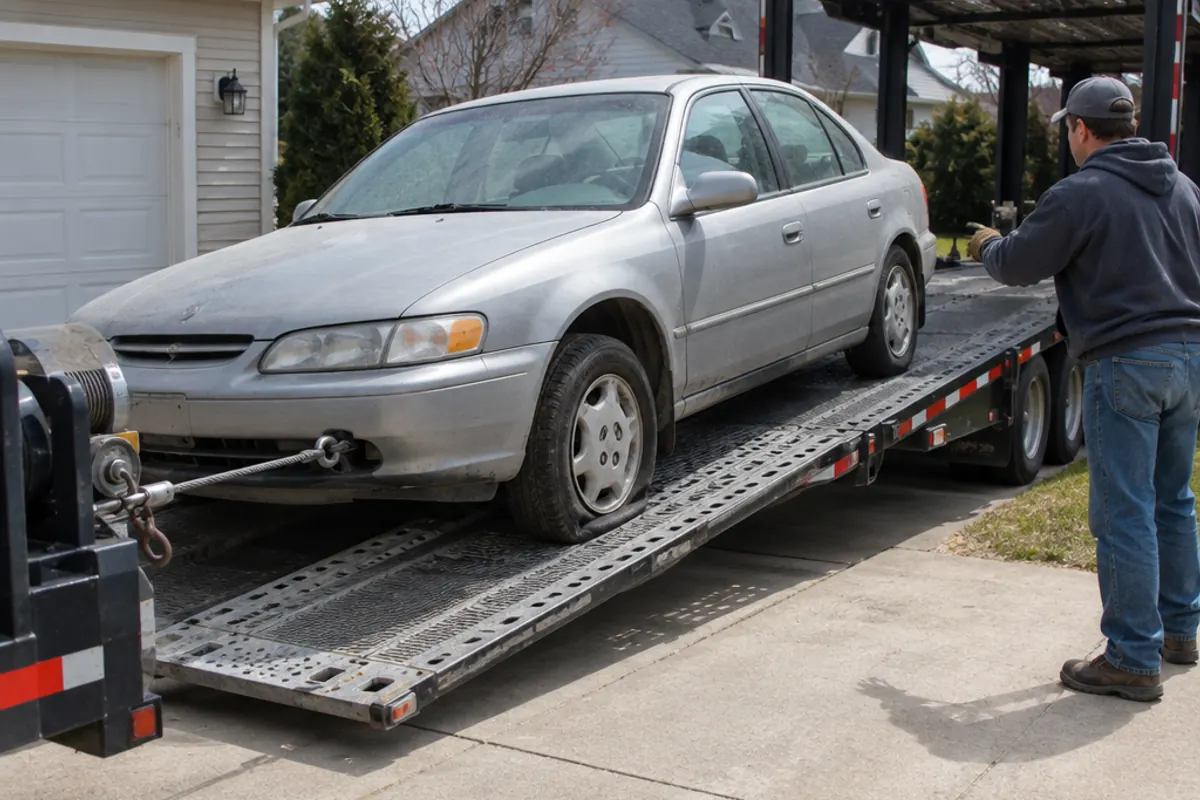
What if the car doesn't run?
Tell the shipping company so it sends a winch-equipped truck.
Ship a non-running carWhat if the car arrives different from the listing?
Note differences on the bill of lading and contact the seller right away. Transport damage is a carrier claim; condition issues are between you and the seller.
About this article
Written and reviewed by the Haulwide editorial team. Editorial policy